Is Your Phone Camera Failing? Signs You Need a Repair Right Away
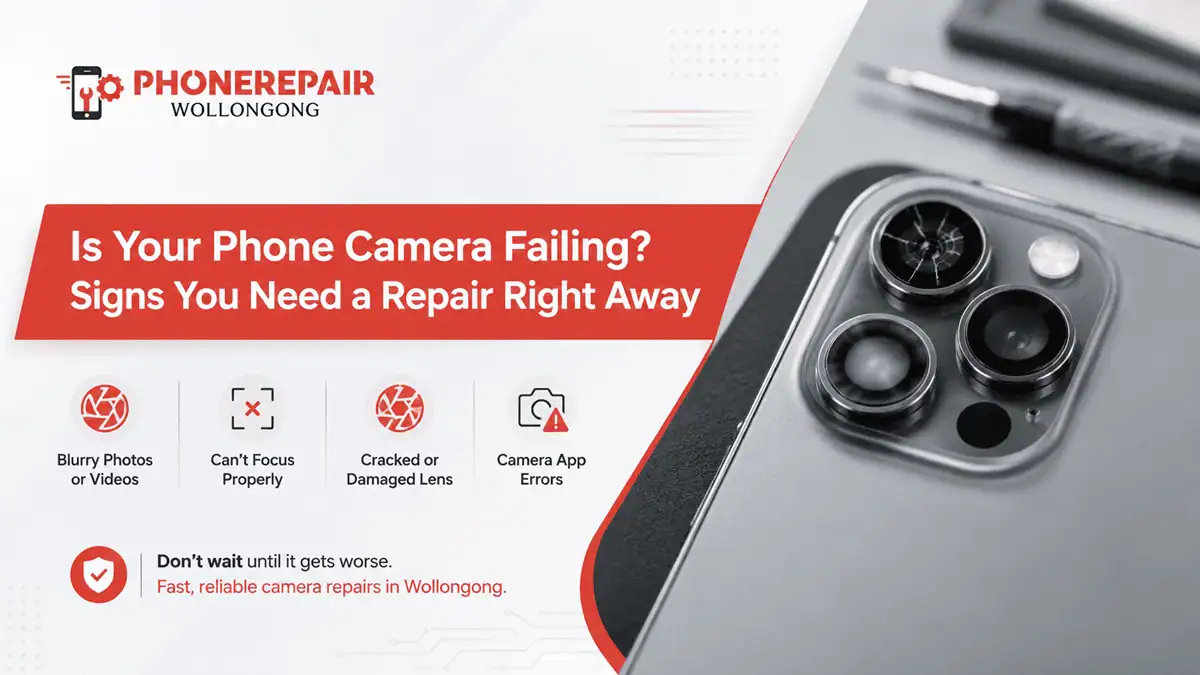
Is Your Phone Camera Failing? Signs You Need a Repair Right Away. Smartphones have become our everyday cameras. From capturing family moments and work-related images to creating social media content, most people rely on their phone camera multiple times each day. Therefore, when camera issues begin to appear, they can quickly become frustrating and disruptive.
Many users assume camera problems are software-related and will eventually disappear after an update. However, this is not always the case. In fact, ignoring early warning signs may lead to more extensive repairs and higher costs later on.
At Phone Repairs Wollongong, technicians frequently see camera faults that could have been fixed sooner if customers recognised the symptoms early. So, how do you know when your phone camera needs professional attention? Let's explore the most common signs.
Why Your Phone Camera Matters More Than Ever
Modern smartphones contain highly advanced camera systems. Many devices now feature:
Multiple camera lenses
Optical image stabilisation
AI-powered photography
Night mode functionality
High-resolution video recording
As a result, even a minor camera fault can significantly affect image quality and overall device performance.
Moreover, many businesses, students, and content creators depend on their phones for daily tasks. Therefore, a faulty camera can impact more than just personal photos.
Common Signs Your Phone Camera Is Failing
Recognising camera issues early can help prevent further damage.
1. Blurry Photos Despite Cleaning the Lens
If every image appears blurry even after cleaning the lens, the issue may be internal.
Possible causes include:
Damaged camera module
Faulty autofocus system
Lens misalignment
Internal debris
Consequently, professional inspection becomes necessary.
2. Camera App Keeps Crashing
A camera application that repeatedly freezes or closes unexpectedly often indicates an underlying hardware or software issue.
Signs include:
Black screen when opening the camera
Sudden app shutdowns
Error messages
Delayed camera launch
Although software updates may help occasionally, persistent issues usually require diagnosis.
3. Visible Cracks Around the Camera Lens
A cracked camera lens cover may seem minor at first. However, even small cracks can affect image quality.
Common symptoms include:
Light distortion
Glare spots
Reduced sharpness
Moisture entry
Additionally, cracked lenses expose internal camera components to further damage.
4. Autofocus Stops Working
Modern smartphone cameras continuously adjust focus automatically.
When autofocus fails, you may notice:
Blurry close-up photos
Difficulty focusing on subjects
Constant focus hunting
Slow image capture
Therefore, immediate repair can help restore photo quality.
5. Dark Spots or Black Marks in Photos
Dark spots appearing consistently in photographs often indicate sensor or lens damage.
These marks may result from:
Internal dust
Sensor defects
Physical impact
Moisture contamination
Because these issues rarely resolve themselves, professional repair is usually required.
How Physical Damage Affects Camera Performance
Phones experience accidental drops more often than most owners would like to admit. Even when the screen remains intact, internal camera components can suffer damage.
Impact Damage
A hard fall may cause:
| Type of Damage | Possible Effect |
|---|---|
| Lens Misalignment | Blurry images |
| Sensor Damage | Black spots |
| Stabilisation Failure | Shaky videos |
| Autofocus Damage | Poor focusing |
| Connector Issues | Camera not detected |
Consequently, camera faults may appear days or weeks after the original accident.
Water Exposure
Although many modern phones offer water resistance, they are not completely waterproof.
Moisture can cause:
Lens fogging
Corrosion
Sensor malfunction
Camera app errors
Even small amounts of water may eventually lead to expensive repairs if left untreated.
Signs the Front Camera Needs Attention
Most people focus on rear cameras, yet front-facing cameras can develop faults too.
Watch for:
Poor Selfie Quality
If selfies suddenly appear soft or grainy, camera components may be deteriorating.
Face Recognition Problems
Many devices use front camera systems for facial authentication.
When face unlock becomes unreliable, camera hardware may be contributing to the problem.
Distorted Video Calls
Blurry or flickering video calls often indicate front camera issues rather than internet problems.
Software vs Hardware Camera Problems
Not every camera issue requires hardware replacement.
Software-Related Issues
These often include:
App crashes
Temporary freezing
Camera lag
Settings conflicts
Software problems can sometimes be resolved through updates or resets.
Hardware-Related Issues
These commonly involve:
Broken lenses
Sensor failure
Water damage
Internal connector faults
Hardware issues generally require professional repair.
Quick Comparison: Minor Camera Issue vs Major Camera Failure
| Symptom | Minor Issue | Major Repair Needed |
|---|---|---|
| Occasional App Crash | ✓ | |
| Persistent Black Screen | ✓ | |
| Slight Focus Delay | ✓ | |
| Cracked Lens Cover | ✓ | |
| Random Camera Error | ✓ | |
| Constant Blurry Images | ✓ | |
| Water Inside Lens | ✓ |
Understanding the difference can help you seek assistance before the problem worsens.
Why Delaying Camera Repairs Can Cost More
Some users continue using a damaged camera for months. Unfortunately, this often creates additional complications.
For example:
Cracked lenses allow dust inside
Moisture spreads corrosion
Damaged stabilisers worsen over time
Internal connectors become loose
As a result, repair costs may increase significantly.
Therefore, early intervention remains the most cost-effective solution.
» Phone Not Turning On: Step-by-Step Guide Before Repair
» Top 10 Common Phone Issues and How to Fix Them
» Broken Phone? Here's What Data You Can Still Recover?
Benefits of Professional Phone Camera Repair
Choosing professional repair services offers several advantages.
Accurate Diagnosis
Technicians identify the actual source of the problem rather than simply replacing parts unnecessarily.
Genuine Quality Components
Reliable repair centres use quality replacement parts designed for compatibility.
Faster Repairs
Many camera issues can be repaired within the same day.
Warranty Protection
Professional repairs often include warranty coverage, providing additional peace of mind.
Preventing Future Camera Damage
While accidents happen, a few simple precautions can help protect your phone camera.
Use a Protective Case
A quality case reduces impact damage during accidental drops.
Install Lens Protectors
Lens protectors provide an additional layer of defence against scratches.
Keep Your Device Dry
Avoid exposing your phone to excessive moisture whenever possible.
Clean Camera Lenses Carefully
Use soft microfibre cloths rather than abrasive materials.
Avoid Extreme Temperatures
Excessive heat and cold can affect camera performance over time.
When Should You Visit a Repair Technician?
If camera issues persist for more than a few days, professional assessment is recommended.
You should seek repair immediately if you notice:
Cracked camera glass
Persistent blurry photos
Black camera screen
Water inside the lens
Camera app failure
Dark spots in images
Prompt action often prevents larger and more costly repairs.
Conclusion
A failing smartphone camera affects much more than your photos. It can impact work, communication, security features, and everyday convenience. Fortunately, recognising the warning signs early allows you to address problems before they become severe.
Whether you're experiencing blurry images, autofocus problems, cracked lenses, or camera app failures, professional phone camera repair services can restore your device's performance. Sometimes people wait hoping the issue will magically fix itself, but honestly it rarely works that way. Getting it checked sooner usually saves money and hassle.
At Phone Repairs Wollongong, expert technicians can diagnose camera issues accurately and help bring your smartphone back to full working condition.


Comments
Post a Comment