Why Your Phone Isn’t Charging: Common Causes and Repair Solutions
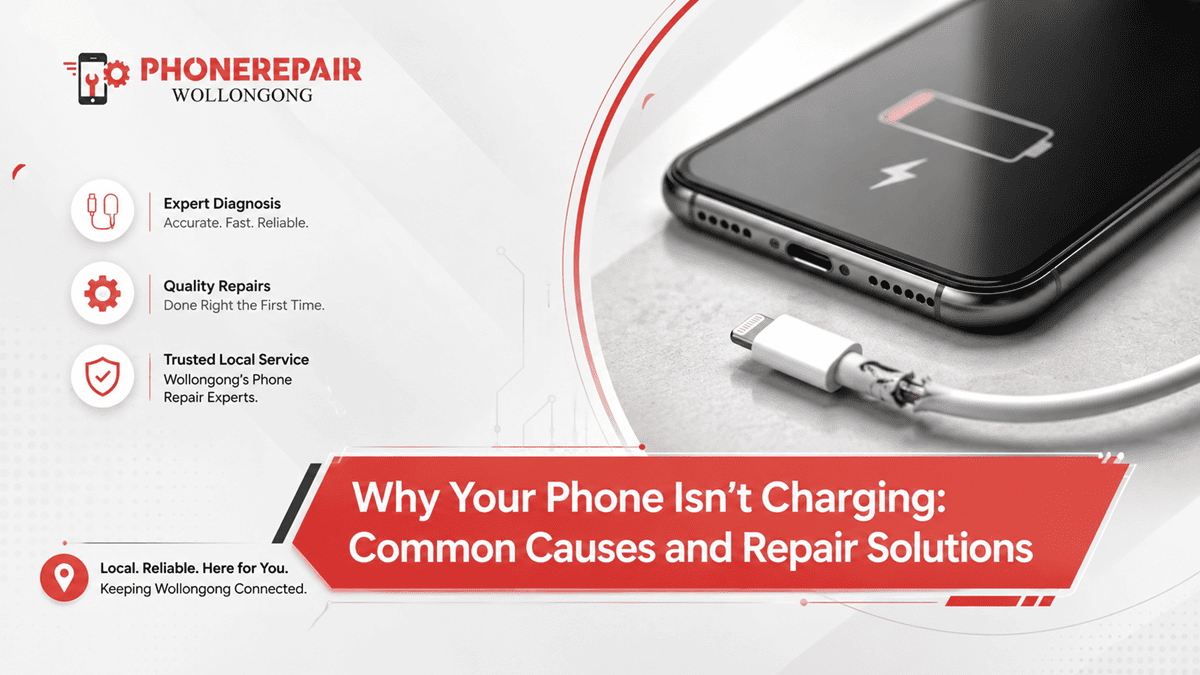
Why Your Phone Isn’t Charging: Common Causes and Repair Solutions. Our phones keep us connected every day. We use them for work, banking, navigation, shopping, social media, and keeping in touch with family. So, when your device suddenly refuses to charge, it can throw your whole day off. Fortunately, many charging problems have straightforward causes, and in plenty of cases, they can be fixed without replacing the phone.
At Phone Repairs Wollongong, we help customers diagnose and repair phone charging issues for all major smartphone brands. Whether you own an iPhone, Samsung Galaxy, Google Pixel, OPPO, Motorola, or another Android device, our experienced technicians can identify the fault and recommend the most cost-effective repair.
This guide explains the most common reasons why your phone won't charge, how to recognise the signs, and when it's time to seek professional phone repair services.
Why Isn't My Phone Charging?
A charging issue doesn't always mean the battery has failed. In fact, the problem could involve the charging cable, charging port, software, battery, or even internal hardware.
Before assuming the worst, it's worth checking a few common causes.
1. Damaged Charging Cable
One of the simplest causes is a faulty charging cable.
Daily wear and tear can damage the internal wires, even when the cable looks perfectly fine from the outside.
Signs of a damaged cable
- Charging starts and stops
- Phone only charges at certain angles
- Cable feels loose
- Frayed or cracked insulation
- Slow charging speeds
Fortunately, replacing the cable is often the easiest solution.
2. Faulty Wall Charger
Sometimes the charger—not the phone—is the problem.
Cheap or low-quality chargers may stop working unexpectedly or deliver inconsistent power.
Try:
- Using another wall adapter
- Testing with an original manufacturer charger
- Charging from another power outlet
If the phone charges normally, you've likely found the issue.
3. Dirty Charging Port
Your phone spends plenty of time in your pocket, handbag or backpack. Consequently, dust, lint and debris gradually collect inside the charging port.
Even a small amount of pocket lint can stop the charging connector from making proper contact.
Common symptoms
- Charger won't insert fully
- Loose charging connection
- Charging cuts in and out
- Device charges very slowly
Professional cleaning safely removes debris without damaging delicate charging pins.
4. Damaged Charging Port
Unlike dirt, physical damage usually requires repair.
Charging ports can wear out after years of plugging and unplugging cables.
Causes include
- Dropping the phone
- Excessive force while charging
- Water exposure
- Corrosion
- Normal wear
Professional technicians can often replace the charging port without replacing the entire phone.
5. Battery Wear and Tear
Every smartphone battery has a limited lifespan.
Most lithium-ion batteries gradually lose performance after hundreds of charging cycles.
Warning signs
- Battery drains quickly
- Phone randomly switches off
- Device overheats
- Battery percentage jumps suddenly
- Slow charging
Replacing the battery often restores reliable performance.
» Phone Not Turning On: Step-by-Step Guide Before Repair
» Top 10 Common Phone Issues and How to Fix Them
» Broken Phone? Here's What Data You Can Still Recover?
Typical Smartphone Battery Lifespan
| Battery Condition | Typical Performance |
|---|---|
| New | Full capacity |
| 1–2 Years | Slight reduction |
| 2–3 Years | Noticeable capacity loss |
| 3+ Years | Battery replacement often recommended |
Actual lifespan depends on charging habits, usage, temperature, and manufacturer specifications.
6. Software Problems
Not every charging issue comes from hardware.
Occasionally, software glitches interfere with battery management.
Possible solutions include:
- Restarting the phone
- Installing software updates
- Closing background apps
- Performing a system reset (after backing up your data)
If software isn't the cause, hardware diagnostics may be needed.
7. Water Damage
Although many modern smartphones offer water resistance, they're not waterproof.
Moisture entering the charging port can trigger safety features that temporarily disable charging.
You may notice messages like:
- Moisture detected
- Charging paused
- Liquid detected in connector
If this happens:
- Disconnect the charger.
- Allow the device to dry naturally.
- Avoid using heat sources such as hairdryers.
If the warning remains, professional inspection is recommended.
8. Faulty Battery Management Circuit
The battery itself may be healthy, but the internal charging circuitry could be damaged.
This usually occurs after:
- Electrical surges
- Severe drops
- Water damage
- Manufacturing faults
Repair specialists use diagnostic equipment to identify these faults accurately.
Common Charging Problems and Solutions
| Problem | Possible Cause | Recommended Solution |
|---|---|---|
| Phone won't charge | Faulty charger | Test another charger |
| Slow charging | Dirty charging port | Professional cleaning |
| Charges intermittently | Damaged cable | Replace cable |
| Battery drains quickly | Worn battery | Battery replacement |
| Moisture warning | Water exposure | Dry device completely |
| Phone overheats | Battery or charging fault | Professional diagnosis |
Should You Repair or Replace Your Phone?
Many people assume a charging problem means it's time for a new device.
However, repairs are often much more affordable.
Repair is usually worthwhile when:
- The phone still performs well.
- Screen remains in good condition.
- Storage meets your needs.
- Repair costs significantly less than replacement.
A professional assessment helps you make the right decision.
Tips to Prevent Charging Problems
Good habits can extend the life of your phone.
We recommend
- Use quality charging accessories.
- Avoid cheap imitation chargers.
- Clean the charging port carefully.
- Don't force the charging cable.
- Keep your phone away from moisture.
- Avoid charging in extreme heat.
- Unplug gently instead of pulling on the cable.
These simple habits can reduce unnecessary repairs.
Why Choose Professional Phone Repair?
DIY repairs often create more problems than they solve.
Modern smartphones contain delicate connectors, waterproof seals, and miniature electronic components.
Professional repair technicians provide:
- Accurate diagnostics
- Genuine or high-quality compatible replacement parts
- Safe repair procedures
- Proper testing
- Warranty on eligible repairs
This gives you confidence that the issue has been properly resolved.
Why Choose Phone Repairs Wollongong?
At Phone Repairs Wollongong, we understand how important your smartphone is to everyday life. That's why we aim to deliver fast, honest, and reliable repair services for customers across Wollongong and surrounding suburbs.
Our services include:
- Charging Port Repair
- Battery Replacement
- Screen Repairs
- Water Damage Assessment
- Speaker Repairs
- Camera Repairs
- Button Repairs
- Software Troubleshooting
- Diagnostic Testing
- General Smartphone Repairs
Our experienced technicians work on leading brands including Apple, Samsung, Google, OPPO, Motorola, Nokia, Huawei, and more.
When Should You Visit a Repair Technician?
You should seek professional assistance if:
- The phone won't charge at all.
- Multiple chargers fail.
- The charging port feels loose.
- Battery drains unusually fast.
- Phone overheats while charging.
- Water damage has occurred.
- Charging stops randomly.
Ignoring these signs may lead to more expensive repairs later.
Conclusion
A phone that refuses to charge can be frustrating, but the cause isn't always serious. In many cases, the problem comes down to a worn charging cable, a blocked charging port, ageing battery, or a damaged connector. By identifying the issue early and avoiding temporary DIY fixes, you can often save both time and money.
At Phone Repairs Wollongong, we're committed to providing dependable phone charging repair services using quality parts and proven repair techniques. Whether your device needs a simple charging port clean, a new battery, or more advanced diagnostics, our experienced team is here to help. Bring your phone in for an inspection, and we'll get you back up and running as quickly as possible.
Social:
https://www.linkedin.com/feed/update/urn:li:share:7476226490431459328/


Comments
Post a Comment