How to Prevent iPhone Charging Port Damage and Costly Repairs
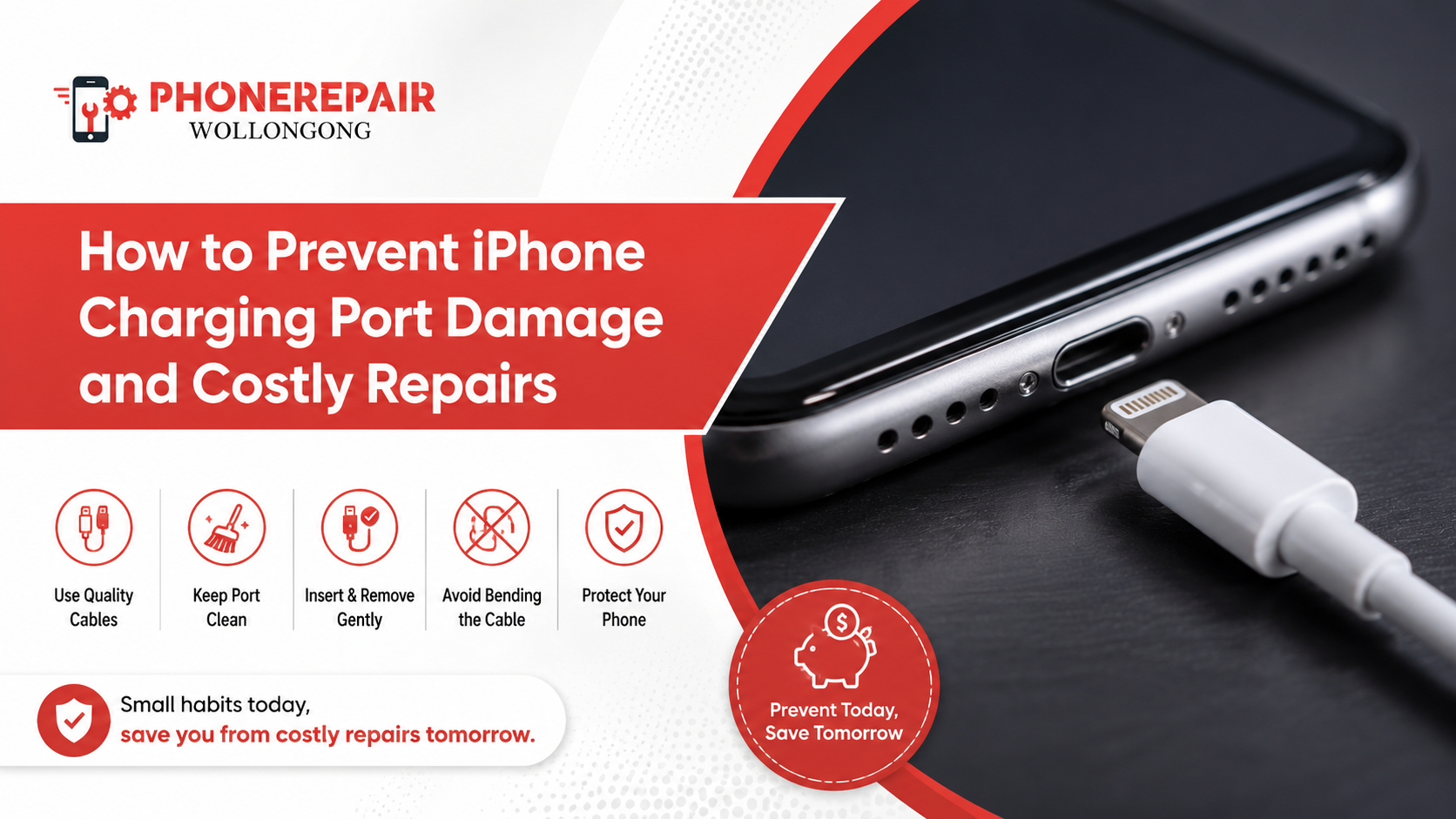
How to Prevent iPhone Charging Port Damage and Costly Repairs. Your iPhone's charging port is one of the most frequently used components, yet it's also one of the easiest to overlook. Every time you plug in your charger, tiny amounts of wear occur. Over months or years, dust, lint, moisture, and rough handling can lead to charging issues that may require professional repairs.
The good news is that most iPhone charging port problems are preventable. By following a few simple habits, you can extend your device's lifespan, improve charging performance, and avoid expensive repair bills.
At Phone Repairs Wollongong, we regularly help customers with iPhone charging port repairs, many of which could have been avoided with proper care. This guide explains how to protect your charging port and keep your iPhone working reliably.
Why Your iPhone Charging Port Is So Important
The charging port doesn't just recharge your battery. It also transfers data, supports accessories, and allows your phone to communicate with other devices.
When the port becomes damaged, you may notice:
Slow charging
Intermittent charging
Charging only at certain angles
Accessory connection failures
Data transfer problems
Complete charging failure
Ignoring these signs can eventually lead to more expensive repairs.
Common Causes of iPhone Charging Port Damage
Understanding what causes damage is the first step towards preventing it.
1. Dust and Pocket Lint Build-Up
One of the biggest culprits is everyday pocket lint. Tiny fibres collect inside the charging port over time, preventing the charging cable from making proper contact.
You might think your charger is faulty, but often the port simply needs professional cleaning.
2. Using Cheap Charging Accessories
Low-quality charging cables and power adapters can place unnecessary stress on the charging port.
Poorly manufactured connectors may:
Fit loosely
Bend internal pins
Overheat during charging
Cause inconsistent charging
Using Apple-certified or high-quality replacement accessories is always the safer option.
3. Pulling the Cable Incorrectly
Many people remove the cable by pulling on the cord rather than gripping the connector.
Although it seems harmless, repeated pulling places strain on both the cable and the charging port.
Instead, always remove the cable by holding the plug itself.
4. Moisture Exposure
Even newer iPhones with water resistance aren't immune to charging issues caused by moisture.
Charging while the port is damp may result in:
Corrosion
Short circuits
Charging interruptions
Internal component damage
Always allow the charging port to dry completely before connecting a charger.
5. Dropping Your Phone While Charging
Accidentally knocking your phone off a table while it's plugged in can damage the charging connector or loosen internal components.
Repeated impacts increase the likelihood of needing a professional iPhone charging port repair.
Warning Signs Your Charging Port Needs Attention
Recognising problems early often prevents further damage.
Look out for these symptoms:
| Warning Sign | Possible Cause |
|---|---|
| Phone charges slowly | Dust or damaged connector |
| Cable falls out easily | Worn charging port |
| Charging stops randomly | Loose internal connection |
| Device won't charge | Port damage or debris |
| "Accessory Not Supported" message | Faulty cable or damaged port |
| Phone only charges at an angle | Bent internal contacts |
If you notice any of these issues, it's best to have your phone inspected before the problem worsens.
Simple Tips to Protect Your iPhone Charging Port
Keep the Port Clean
Regularly inspect the charging port for dirt or lint.
However, avoid inserting metal objects like pins or paper clips, as they can damage the delicate internal connectors.
If debris becomes compacted, professional cleaning is the safest solution.
Use Quality Charging Cables
Choose Apple-certified Lightning or USB-C cables that fit securely.
Well-made cables reduce unnecessary wear on the charging connector and provide safer charging performance.
Avoid Charging in Dusty Areas
Construction sites, workshops, beaches, and dusty environments increase the chance of particles entering the charging port.
Whenever possible, keep your phone protected in these conditions.
Disconnect Carefully
Always grip the connector—not the cable—when unplugging your phone.
Although this sounds simple, it significantly reduces long-term wear.
Keep Liquids Away
Water, soft drinks, coffee, and other liquids can cause corrosion inside the charging port.
Even small amounts of moisture may create charging problems later.
Use a Protective Case
Many modern phone cases include slightly raised edges around the charging area, helping minimise dust and accidental impact damage.
A quality case offers inexpensive protection against everyday accidents.
Should You Clean the Charging Port Yourself?
Many online videos recommend DIY cleaning methods.
While some may appear simple, they often cause more harm than good.
Avoid using:
Needles
Safety pins
Toothpicks with excessive force
Metal tweezers
Compressed air at very high pressure
These tools can bend delicate charging pins or push debris further inside.
Professional cleaning is usually safer and more effective.
» Phone Not Turning On: Step-by-Step Guide Before Repair
» Top 10 Common Phone Issues and How to Fix Them
» Broken Phone? Here's What Data You Can Still Recover?
Charging Habits That Extend Port Life
Good charging habits can significantly reduce wear over time.
Consider these simple practices:
| Good Habit | Benefit |
|---|---|
| Use certified chargers | Better connection quality |
| Remove cable gently | Less stress on connector |
| Keep port clean | Prevents charging interruptions |
| Avoid charging in wet conditions | Reduces corrosion risk |
| Replace damaged cables promptly | Protects charging port |
| Store cables properly | Prevents bent connectors |
Small changes often prevent expensive repairs later.
When Should You Visit a Repair Technician?
If your iPhone still refuses to charge after trying another charger or cable, professional diagnosis is recommended.
A technician can determine whether the issue involves:
Charging port damage
Battery failure
Charging IC problems
Internal board faults
Water damage
Software-related charging issues
Early diagnosis often prevents more complex repairs.
Why Choose Professional Charging Port Repair?
Replacing an iPhone charging port requires specialist tools and experience.
Professional repair offers several benefits:
Accurate fault diagnosis
Genuine or premium-quality replacement parts
Safe installation
Device testing after repair
Warranty on repairs
Reduced risk of additional damage
Attempting complex repairs at home may void warranties or damage other components.
Why Choose Phone Repairs Wollongong?
At Phone Repairs Wollongong, we provide reliable iPhone charging port repairs for a wide range of iPhone models.
Our services include:
Charging port replacement
Charging port cleaning
iPhone battery replacement
Screen repairs
Water damage diagnostics
Charging issue troubleshooting
Genuine-quality replacement parts
Fast turnaround times
Our experienced technicians carefully inspect every device to identify the real cause of charging problems before recommending repairs.
Conclusion
Your iPhone's charging port works hard every single day, making it one of the most important components to protect. Fortunately, preventing damage doesn't require expensive accessories or complicated maintenance. Simple habits like keeping the port clean, using quality charging cables, avoiding moisture, and unplugging carefully can greatly extend its lifespan.
If you notice loose connections, slow charging, or intermittent power issues, don't ignore the warning signs. Acting early can prevent more costly repairs and help keep your device performing at its best.
At Phone Repairs Wollongong, we're committed to helping customers keep their iPhones in top condition with professional diagnostics, expert repairs, and friendly local service. Whether your charging port needs a thorough clean or a complete replacement, our team is here to get you connected again quickly and reliably.
Social:
https://www.linkedin.com/feed/update/urn:li:share:7483779615719608320/


Comments
Post a Comment