Why Your iPhone Camera Isn't Working and When You Need a Professional Repair
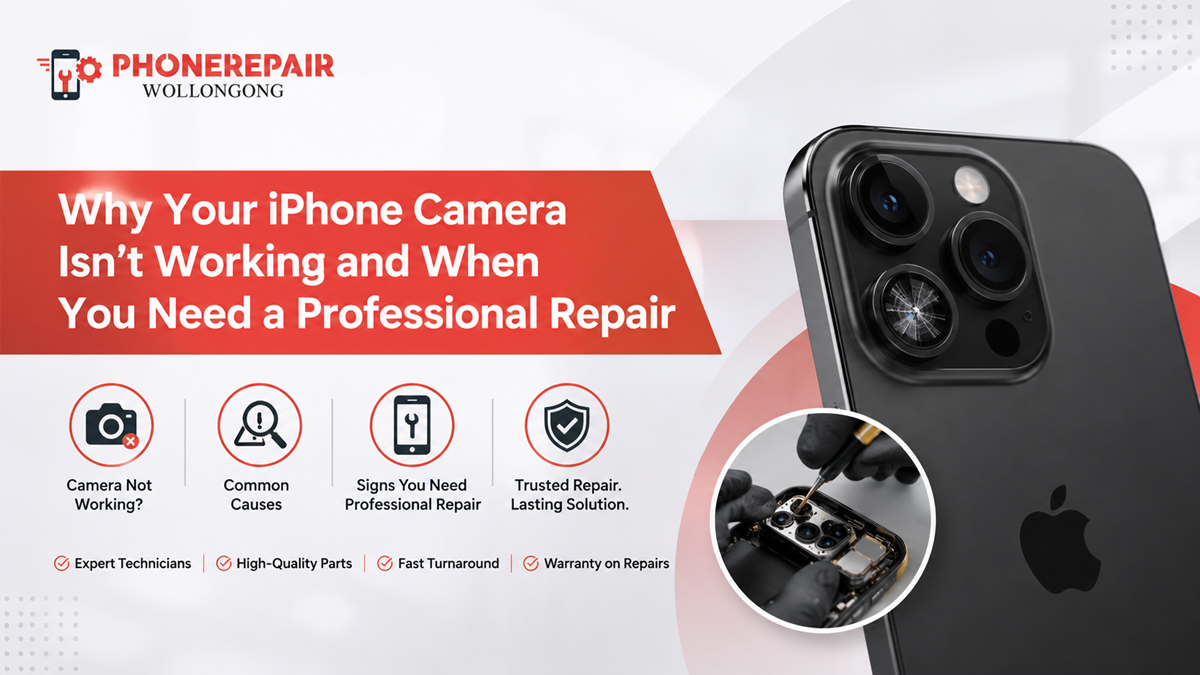
Why Your iPhone Camera Isn't Working and When You Need a Professional Repair. Your iPhone camera plays a big part in everyday life. Whether you're taking family photos, joining a video call, scanning documents, or recording content for social media, a faulty camera quickly becomes frustrating. Sometimes the issue is minor and disappears after a restart. However, other camera problems point to damaged hardware that needs expert attention.
If your camera suddenly shows a black screen, blurry images, or refuses to focus, don't panic. First, identify the possible cause. Then, decide whether a simple fix will solve the problem or if it's time to visit Phone Repairs Wollongong for professional assistance.
In this guide, you'll learn why an iPhone camera stops working, how to troubleshoot common issues, and when professional iPhone camera repair becomes the safest option.
Common Signs Your iPhone Camera Needs Attention
Many users ignore early warning signs. Unfortunately, small problems often become expensive repairs later.
Look out for these symptoms:
- Black camera screen
- Camera app freezing
- Blurry or fuzzy photos
- Flash not working
- Camera shaking during recording
- Lens unable to focus
- Error message saying camera unavailable
- Front camera not opening
- Random crashes while using Camera
If several of these issues appear together, your iPhone may have either software corruption or internal hardware damage.
Software vs Hardware Camera Problems
Understanding the difference helps you avoid unnecessary repairs.
| Camera Issue | Possible Software Problem | Possible Hardware Problem |
|---|---|---|
| Black screen | ✓ | ✓ |
| Blurry images | ✗ | ✓ |
| Camera app crashes | ✓ | Sometimes |
| Focus not working | Rarely | ✓ |
| Flash failure | ✓ | ✓ |
| Camera shaking | ✗ | ✓ |
| Camera unavailable message | ✓ | ✓ |
| Lens cracked | ✗ | ✓ |
As shown above, several symptoms overlap. Therefore, proper diagnosis matters before replacing expensive parts.
Why Your iPhone Camera Isn't Working
1. Temporary Software Glitches
Sometimes iOS develops small bugs after an update or after running multiple apps.
Thankfully, these problems often disappear after:
- Restarting the phone
- Closing background apps
- Updating iOS
- Resetting settings
If the camera still refuses to work afterwards, another issue is likely responsible.
2. Physical Damage After a Drop
Many camera failures begin with a simple accident.
Even if the glass looks fine, internal camera components may shift or become disconnected after impact.
Common signs include:
- Camera vibrating
- Autofocus failure
- Clicking sounds
- Distorted images
In these situations, DIY repairs rarely help.
3. Water or Moisture Exposure
Modern iPhones offer water resistance, but they are not waterproof.
Swimming pools, beaches, bathrooms and heavy rain can allow moisture inside the camera module.
Later, you may notice:
- Fog inside the lens
- Blurry images
- Camera refusing to open
- Internal corrosion
Professional cleaning often prevents further damage.
4. Failed iOS Update
Although Apple updates improve performance, they occasionally introduce bugs affecting camera functions.
If your camera stopped working immediately after updating:
- Check for another software update.
- Restart the device.
- Reset camera settings.
If nothing changes, hardware testing becomes necessary.
5. Full Storage
Surprisingly, storage affects camera performance.
When your iPhone has almost no free space, you might experience:
- Slow camera launch
- Photos not saving
- Video recording failures
- App crashes
Deleting unnecessary files often restores normal operation.
6. Third-Party Camera Apps
Some camera applications request advanced permissions.
Occasionally they conflict with the native Camera app.
If problems begin after installing a new app:
- Delete the app.
- Restart the phone.
- Test the default Camera.
If the issue disappears, you've found the culprit.
» Phone Not Turning On: Step-by-Step Guide Before Repair
» Top 10 Common Phone Issues and How to Fix Them
» Broken Phone? Here's What Data You Can Still Recover?
Simple Troubleshooting Before Booking a Repair
Before visiting a repair technician, try these safe solutions.
Restart Your iPhone
It sounds basic, yet many camera glitches disappear after restarting.
Update iOS
Apple frequently releases bug fixes that improve camera stability.
Clean the Camera Lens
Dust, fingerprints and pocket lint often reduce image quality.
Use a clean microfibre cloth rather than tissues or paper towels.
Remove the Phone Case
Some bulky cases partially block the camera lens or interfere with autofocus.
Check Camera Permissions
If another app can't access the camera:
Settings → Privacy → Camera
Ensure permissions remain enabled.
When DIY Fixes Are No Longer Enough
Unfortunately, software troubleshooting cannot repair damaged hardware.
You should arrange professional iPhone camera repair if:
- The lens is cracked.
- The camera remains black after restarting.
- Photos stay blurry.
- Autofocus never works.
- The camera shakes constantly.
- FaceTime camera has failed.
- Moisture sits inside the lens.
- The camera app closes immediately.
Ignoring these problems may cause additional internal damage over time.
Why Professional Camera Repair Is Worth It
Many people attempt online repair tutorials.
However, modern iPhones contain delicate components that require specialised tools.
Professional technicians can:
- Diagnose the exact fault
- Replace damaged camera modules
- Test image stabilisation
- Check Face ID compatibility
- Protect internal connectors
- Ensure original performance
As a result, your phone works properly without creating new problems.
DIY Repair vs Professional Repair
| Feature | DIY Repair | Professional Repair |
|---|---|---|
| Accurate diagnosis | Low | High |
| Correct replacement parts | Not guaranteed | Yes |
| Risk of further damage | High | Very low |
| Warranty | None | Usually included |
| Camera calibration | No | Yes |
| Repair success rate | Unpredictable | Consistently high |
Although DIY videos look simple, real repairs require experience.
How to Protect Your iPhone Camera
Preventive care saves money later.
Follow these practical tips:
- Use a quality protective case.
- Install a camera lens protector.
- Avoid exposing the phone to extreme heat.
- Keep the lens clean.
- Never place keys with your phone.
- Avoid cheap chargers that may damage internal components.
- Back up your photos regularly.
- Seek repairs immediately after major drops.
Small habits often prevent expensive repairs.
Why Choose Phone Repairs Wollongong?
When your camera stops working, choosing an experienced repair centre makes a real difference.
At Phone Repairs Wollongong, technicians carefully diagnose each device before recommending repairs. Whether the issue involves software faults, damaged camera modules or moisture-related problems, the team focuses on restoring your iPhone quickly and professionally.
Customers appreciate:
- Experienced technicians
- Quality replacement parts
- Fast turnaround times
- Honest repair advice
- Competitive pricing
- Thorough device testing
Instead of guessing what's wrong, you'll receive an accurate assessment and reliable repair solution.
Conclusion
A faulty iPhone camera doesn't always mean the device has reached the end of its life. In many cases, software updates, storage management or a simple restart solve the problem. However, persistent issues such as blurry images, black screens or autofocus failure usually indicate hardware damage.
Rather than risking additional problems with DIY repairs, it's often smarter to trust experienced professionals. A proper diagnosis not only saves time but also helps protect the rest of your device. If your camera still isn't working after basic troubleshooting, professional iPhone camera repair is the most reliable way to restore crystal-clear photos and videos.
Social:
https://www.linkedin.com/feed/update/urn:li:share:7483002358210142208/


Comments
Post a Comment