Why Your Phone Isn’t Charging: Common Causes and Repair Solutions
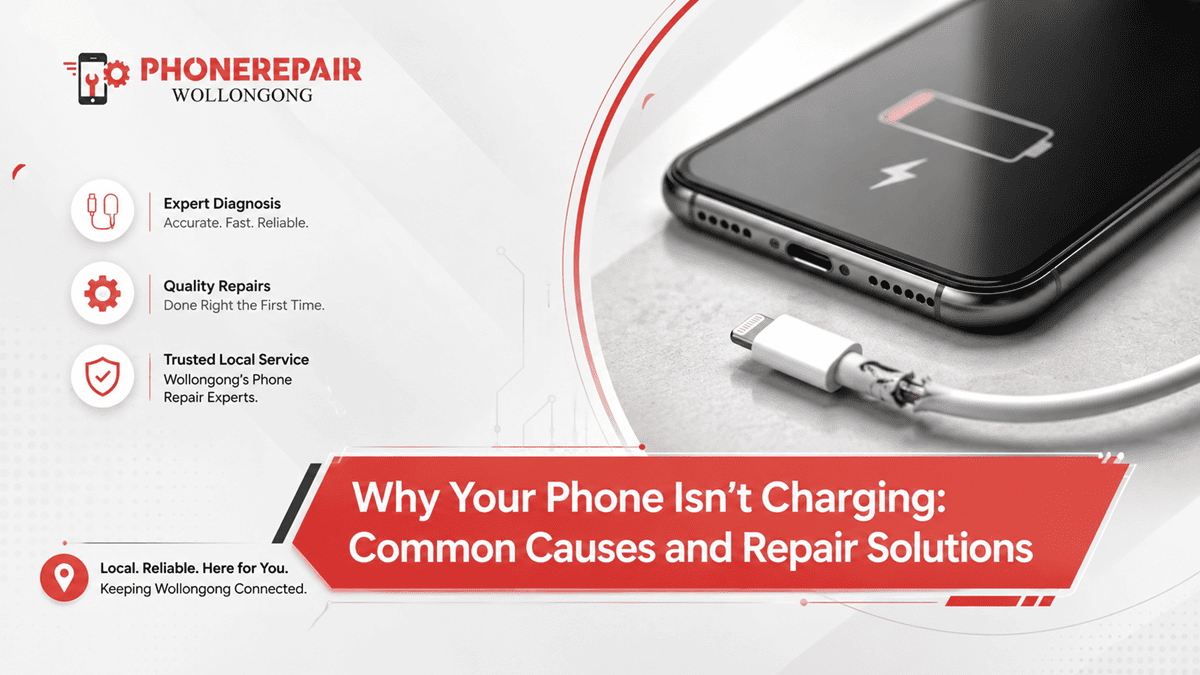
Why Your Phone Isn’t Charging: Common Causes and Repair Solutions. There’s nothing more frustrating than plugging in your phone only to realise the battery percentage isn’t moving. Whether you're getting ready for work, heading out for the day or waiting for an important call, a phone that won’t charge can throw everything off. The good news is that not every charging issue means your device is beyond repair.
If you're looking for Phone Repairs Wollongong, understanding the possible causes of charging problems can help you decide whether it's a quick fix or something that needs professional attention. At Phone Repairs Wollongong, we repair charging issues on most major brands, including Apple, Samsung, Google Pixel, Oppo, Huawei, Motorola and more.
This guide explains the most common reasons why your phone isn’t charging, practical troubleshooting steps and when it’s time to visit a repair specialist.
How Does a Phone Charging System Work?
Although charging a phone seems simple, several components work together behind the scenes.
A typical charging system includes:
- Charging cable
- Power adapter
- Charging port
- Battery
- Charging IC (Integrated Circuit)
- Motherboard
- Software and battery management system
If any one of these parts develops a fault, your phone may stop charging properly.
Common Reasons Your Phone Isn't Charging
Several issues can prevent your phone from charging. Fortunately, many of them are easy to identify.
1. Dirty or Blocked Charging Port
One of the most common causes is a charging port filled with dust, lint or pocket debris.
Over time, tiny particles build up inside the port, preventing the charging cable from making proper contact.
Common Signs
- Cable feels loose
- Charging starts and stops
- Phone only charges when held at an angle
- Slow charging
Professional port cleaning usually restores normal charging without replacing any parts.
2. Damaged Charging Cable
Charging cables experience daily wear and tear.
A damaged cable may still look fine on the outside while the internal wires have broken.
Signs of a Faulty Cable
- Frayed insulation
- Bent connector
- Intermittent charging
- Cable works only in certain positions
Before assuming your phone is faulty, always test another certified charging cable.
3. Faulty Power Adapter
Sometimes the charger itself is the problem.
Cheap or damaged wall adapters may deliver inconsistent voltage, causing charging failures.
Using genuine or high-quality certified chargers helps protect both your phone and battery.
4. Worn-Out Battery
Every rechargeable battery has a limited lifespan.
Most smartphone batteries are designed to handle approximately 500–800 full charge cycles before noticeable capacity loss.
Battery Age vs Performance
| Battery Age | Typical Performance |
|---|---|
| Less than 1 year | Excellent |
| 1–2 years | Minor capacity loss |
| 2–3 years | Faster battery drain |
| Over 3 years | Charging issues may occur |
If your phone switches off unexpectedly or refuses to charge beyond a certain percentage, the battery may need replacing.
5. Software Problems
Not every charging issue is hardware-related.
A software bug, failed update or corrupted operating system can interrupt the charging process.
Try:
- Restarting the phone
- Updating the operating system
- Checking battery settings
- Booting into Safe Mode (where available)
Sometimes the fix is surprisingly simple.
6. Water Damage
Even water-resistant phones can suffer charging problems after liquid exposure.
Moisture inside the charging port may trigger built-in safety systems that temporarily disable charging.
Common symptoms include:
- Moisture detection warning
- Charging repeatedly disconnects
- Device becomes warm
- Corrosion inside the charging port
If liquid has entered your device, avoid plugging it into power immediately.
7. Damaged Charging Port
Frequent plugging and unplugging eventually wears down the charging connector.
Physical damage can result from:
- Pulling the cable sideways
- Dropping the phone while charging
- Using excessive force
- Cheap charging accessories
Professional charging port replacement usually restores full charging performance.
8. Charging IC Failure
The Charging IC controls power flow between the charger and battery.
If this tiny chip fails, your phone may:
- Show no charging symbol
- Charge very slowly
- Overheat
- Fail to power on
Unlike replacing a charging cable, Charging IC repairs require specialised micro-soldering equipment.
9. Motherboard Damage
A damaged motherboard is less common, but it can affect charging.
Possible causes include:
- Water damage
- Power surges
- Severe impact
- Failed repairs
Professional diagnostics help determine whether motherboard repair is worthwhile.
10. Using Low-Quality Accessories
Many inexpensive charging accessories fail to meet proper safety standards.
Using uncertified chargers may result in:
- Slow charging
- Battery damage
- Charging interruptions
- Overheating
Investing in quality accessories often saves money in the long run.
» Phone Not Turning On: Step-by-Step Guide Before Repair
» Top 10 Common Phone Issues and How to Fix Them
» Broken Phone? Here's What Data You Can Still Recover?
Quick Troubleshooting Checklist
Before booking a repair, try these simple checks.
| Step | What to Check |
|---|---|
| ✔ Test another charging cable | Rules out cable faults |
| ✔ Try another wall charger | Eliminates adapter problems |
| ✔ Clean charging port carefully | Removes dust and lint |
| ✔ Restart phone | Fixes temporary software glitches |
| ✔ Install software updates | Resolves charging bugs |
| ✔ Test another power outlet | Checks power source |
| ✔ Remove thick phone case | Ensures proper cable connection |
If the problem continues, professional diagnosis is the safest option.
When Should You Visit a Repair Technician?
Some charging issues cannot be fixed at home.
Professional repair is recommended if:
- Phone won't charge at all
- Charging is extremely slow
- Battery drains rapidly
- Phone overheats while charging
- Charging port is physically damaged
- Device has water damage
- Battery is swollen
- Phone keeps disconnecting from the charger
Ignoring these symptoms can sometimes lead to more expensive repairs later.
Why Professional Diagnosis Matters
Replacing random parts rarely solves charging problems.
Professional technicians use specialised diagnostic equipment to identify the exact fault before carrying out repairs.
At Phone Repairs Wollongong, every charging issue is carefully assessed before recommending a solution. That means you only pay for the repair your phone actually needs.
Tips to Prevent Charging Problems
A few good habits can extend the life of your charging system.
Do
- Use genuine or certified chargers
- Keep the charging port clean
- Charge on a stable surface
- Unplug carefully
- Update software regularly
- Replace worn charging cables
Avoid
- Charging in extreme heat
- Using damaged accessories
- Pulling cables sideways
- Ignoring loose charging ports
- Continuing to charge water-damaged phones
These simple habits really do make a difference over time.
Charging Issue Comparison
| Problem | Possible Cause | Professional Repair Needed? |
|---|---|---|
| Phone not charging | Faulty charging port | Usually Yes |
| Slow charging | Damaged cable | Sometimes |
| Stops charging randomly | Dirty charging port | Often No |
| Battery drains quickly | Worn battery | Yes |
| Moisture warning | Water exposure | Recommended |
| Overheating while charging | Battery or Charging IC | Yes |
| Charger falls out | Bent charging port | Yes |
Why Choose Phone Repairs Wollongong?
Choosing an experienced repair centre gives you confidence that the problem will be diagnosed correctly the first time.
Our technicians provide:
- Charging port replacement
- Battery replacement
- Charging IC repair
- Water damage assessment
- Motherboard diagnostics
- Fast turnaround times
- High-quality replacement parts
- Repairs for Apple, Samsung, Google Pixel, Oppo and more
We understand how important your phone is, so we work hard to get you connected again as quickly as possible.
Conclusion
A phone that refuses to charge doesn't always mean you need a new device. In many cases, the issue is something as simple as a blocked charging port, a worn cable or an ageing battery. However, if basic troubleshooting doesn't solve the problem, professional diagnosis is the safest way forward.
At Phone Repairs Wollongong, we specialise in phone charging repair, battery replacement, charging port repair and advanced board-level diagnostics. Whether your device charges slowly, stops charging altogether or has suffered water damage, our experienced technicians are ready to help. Getting it checked sooner rather than later can prevent further damage and save you money—it's honestly worth doing.
Social:
https://www.linkedin.com/feed/update/urn:li:share:7482349255030927360/


Comments
Post a Comment