Common Android Charging Port Problems and Their Solutions
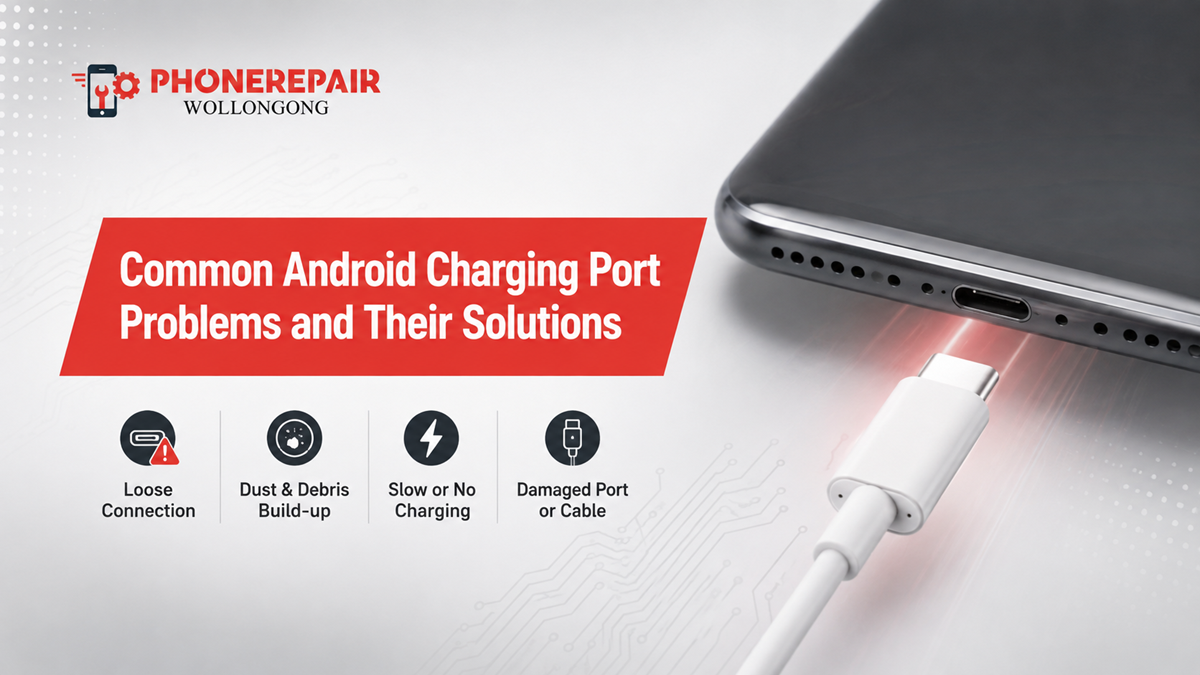
Common Android Charging Port Problems and Their Solutions. Your Android phone may look perfectly fine on the outside, yet a faulty charging port can make everyday use frustrating. Perhaps the cable keeps disconnecting, charging takes forever, or the phone simply refuses to charge. Fortunately, many Android charging port problems have identifiable causes and practical solutions.
At Phone Repairs Wollongong, understanding the reason behind a charging fault is the first step towards choosing the right repair. Moreover, acting early can help prevent a minor port issue from becoming a bigger problem.
Why Is My Android Phone Not Charging Properly?
Before blaming the charging port, check the entire charging setup. A damaged cable, faulty adapter, dirty port or software issue can produce very similar symptoms.
Try another compatible cable and charger first. Then, check whether the phone charges from a different power outlet.
If the problem continues, the port itself may need attention.
1. Dust and Lint Inside the Charging Port
One of the most common Android charging port problems is debris buildup.
Phones spend plenty of time in pockets, bags and dusty environments. Consequently, lint and dirt can collect inside the USB-C port. Over time, the cable may stop reaching the charging contacts properly.
Common signs include:
- Cable does not sit firmly
- Charging starts and stops
- Slow or inconsistent charging
- Phone charges only when the cable sits at a certain angle
Solution
First, switch the phone off and inspect the port under good lighting. Do not force sharp objects deep into the connector, because you could damage delicate contacts.
If debris is compacted or difficult to remove safely, professional Android charging port repair is the better option.
2. Loose or Damaged Charging Port
If your cable feels unusually loose, the port may have suffered physical damage.
Repeatedly plugging and unplugging a cable can eventually wear the connector. Additionally, pulling the cable sideways or charging while the phone sits at an awkward angle can place unnecessary stress on the port.
A loose port can cause:
- Intermittent charging
- Connection dropouts
- Slow charging
- Charging only in one position
- Complete charging failure
In this situation, replacing the cable may not solve the problem. A technician can inspect the port and determine whether it needs repair or replacement.
3. Damaged USB-C Cable
Sometimes, the charging port gets the blame when the real culprit is the cable.
USB-C cables can develop internal damage, especially when users bend, twist or tightly wrap them. Therefore, testing your Android phone with a known-good compatible cable is a simple first step.
| Symptom | Possible Cause | Recommended Check |
|---|---|---|
| No charging | Cable, adapter or port | Try another compatible charger |
| Slow charging | Cable, charger or debris | Test accessories and inspect port |
| Charging cuts out | Loose connection | Check cable fit |
| Cable feels loose | Port wear or debris | Professional inspection |
| Wireless charging works but cable does not | Wired charging connection | Inspect charging port |
This table provides general troubleshooting guidance rather than a diagnosis.
4. Faulty Charger or Power Adapter
Your phone may also charge slowly because the power adapter cannot provide the expected charging performance.
Different Android models support different charging technologies and power requirements. Therefore, use a compatible charger recommended for your particular phone.
Also, avoid relying on very cheap, damaged or questionable charging accessories. A suitable replacement cable and adapter can sometimes solve the problem without any phone repair.
5. Moisture in the Charging Port
Moisture can create another serious charging issue.
Some Android phones display a warning when they detect moisture around the charging connector. If you see such an alert, disconnect the charger and allow the port to dry naturally.
Do not use excessive heat or push objects into the port. Furthermore, do not repeatedly plug the cable in just to check whether charging has returned.
If the phone has experienced significant liquid exposure and charging problems continue, arrange a professional inspection.
6. Charging Port Corrosion
Liquid exposure can sometimes cause corrosion inside the connector. Unlike simple dust, corrosion may continue affecting the contacts even after the exterior appears dry.
For example, a phone might initially charge normally after a spill but develop charging problems days later.
Therefore, water damage phone repair may require more than simply replacing the charging port. A technician may need to inspect internal components and connectors as well.
7. Fast Charging Is Not Working
Your Android phone may still charge but no longer display its fast-charging feature.
Several things can cause this:
- Unsupported charger
- Incompatible cable
- Damaged cable
- Dirty charging port
- Excessive device temperature
- Battery condition
- Software settings
- Port damage
First, check whether your charger and cable support the charging standard used by your phone. If everything is compatible and fast charging still fails, professional testing can help identify the actual fault.
» Phone Not Turning On: Step-by-Step Guide Before Repair
» Top 10 Common Phone Issues and How to Fix Them
» Broken Phone? Here's What Data You Can Still Recover?
8. Charging Only at a Certain Angle
This is a classic warning sign.
If your Android phone charges only when you hold the cable upwards, downwards or sideways, avoid continuing to use it in that position. It may indicate debris, worn contacts or physical port damage.
Eventually, the connection could become worse.
Instead, arrange an Android phone charging port repair assessment before the issue leaves you with a completely flat battery.
9. Phone Shows Charging but Battery Percentage Does Not Increase
Another frustrating situation occurs when the charging symbol appears, but the battery percentage barely moves.
This can happen because the phone is receiving insufficient power. However, battery health, background processes, temperature or charging accessories can also contribute.
Try closing demanding applications and testing a suitable charger. If the issue remains, a technician can check the charging circuit, port and battery.
10. Software Problems Can Affect Charging
Not every charging issue comes from hardware.
Occasionally, a software glitch can interfere with charging behaviour. Restarting the device and installing available system updates may help.
However, do not assume every charging fault is software-related. If the cable connection feels loose or the port shows physical damage, software troubleshooting will not repair a damaged connector.
How Professionals Diagnose Charging Port Problems
A proper phone charging port repair should begin with diagnosis rather than immediately replacing parts.
A technician may inspect:
- Charging port condition
- Cable and connector
- Power adapter
- Battery performance
- Charging current
- Internal connectors
- Signs of liquid damage
- Charging circuitry
This approach helps prevent unnecessary part replacement.
For instance, replacing a charging port will not fix a faulty battery or damaged charging circuit. Similarly, replacing the battery will not remove compacted lint from the connector.
When Should You Get an Android Charging Port Repaired?
You should consider professional help when:
- The phone repeatedly disconnects while charging
- The port feels loose
- Charging works only at an angle
- Multiple compatible cables fail
- Fast charging has stopped unexpectedly
- The phone suffered liquid exposure
- The connector looks physically damaged
- The device will not charge at all
Early attention can be worthwhile. A small connector problem may become more difficult if continued use causes further physical damage.
How to Prevent Charging Port Problems
Prevention is much easier than dealing with a dead phone.
Keep your Android phone away from unnecessary moisture and avoid forcing cables into the connector. Additionally, unplug the cable by holding the connector rather than pulling the cord.
A few simple habits can help:
- Keep the charging port clean
- Use good-quality compatible cables
- Avoid bending the connector
- Do not force the cable
- Keep liquids away from the phone
- Avoid charging with a visibly damaged cable
- Store cables carefully
- Deal with loose connections early
Why Choose Phone Repairs Wollongong?
When your Android phone stops charging properly, guessing can waste both time and money. Phone Repairs Wollongong can assess the charging issue and identify whether the problem comes from the port, cable, battery, charging circuit or another component.
Rather than replacing parts unnecessarily, professional diagnosis helps target the actual fault.
Whether you need Android charging port repair, charging troubleshooting or broader smartphone repair in Wollongong, getting the issue checked early can help restore reliable everyday use.
Conclusion
Charging problems can start with something as simple as pocket lint, but they can also point to physical damage, corrosion, battery faults or charging-circuit issues.
Therefore, test your cable and charger first, keep moisture away from the connector and avoid forcing a loose cable into the port. If the problem continues, professional Android phone repair in Wollongong can identify the cause and recommend the appropriate solution.
A charging port may be a small part of your phone, but it plays a big role in keeping your device ready when you need it.
Social:
https://www.linkedin.com/feed/update/urn:li:share:7493626213190766592/


Comments
Post a Comment